How to Get a Permanent Static IP at Home (and Why the Old Way No Longer Pays Off)
Whether you're trying to run a home server (NAS), connect to your work computer remotely, manage a smart-home system, or reach your bank account from abroad without tripping security systems — you need a static (permanent) IP address.
Most of us never think about it, but the IP address your Internet Service Provider (ISP) assigns you at home is dynamic. It changes every time your router reboots, and often for no reason at all mid-week. That change breaks remote connections and forces you to update settings over and over.
So how do you get a stable, permanent IP at home? There are 4 main ways to do it. Here's the complete guide — from the expensive option to the modern, easiest one.
1. The official way: buy a static IP from your ISP
The classic route is simply to call your infrastructure or internet provider and ask for a "static IP" service.
- How it works: The provider locks your router's public address inside their network.
- The big drawback: It costs money — a lot of it. ISPs charge a fixed monthly fee for this service (which can run to tens of shekels a month) on top of your regular internet plan. Beyond that, the address is tied physically to your home — if you travel abroad, that address doesn't travel with you.
2. The old way: Dynamic DNS (DDNS) services
A long-standing workaround designed to sidestep the problem without paying your ISP.
- How it works: You sign up for an external service (like No-IP or DynDNS) and get a domain name (for example:
myhome.ddns.net). A small piece of software running on your router or computer updates the service every time your home IP changes. - The big drawback: Your IP still changes — the service just "sticks" a name onto it. That means short periods of downtime every time the address changes until the name catches up. On top of that, setting up DDNS requires opening ports on your router (port forwarding) — an action that exposes your home network to every malicious bot scanner on the internet.
3. The complex way: build your own VPN server in the cloud (VPS)
Many tech-savvy people choose to rent a virtual server (like a DigitalOcean Droplet or AWS instance) and install a protocol such as WireGuard on it.
- How it works: The cloud server comes with a static IP, and you connect your home network to it.
- The big drawback: It demands advanced technical knowledge, manual management, security updates for the cloud server, and wrestling with complex config files. One small mistake in the firewall settings can leave you exposed.
4. The modern, secure way: nuVPN Home / Home Pro
This is where we come in. We realized the existing options were either too expensive, too complicated, or simply not secure. So we built nuVPN Home.
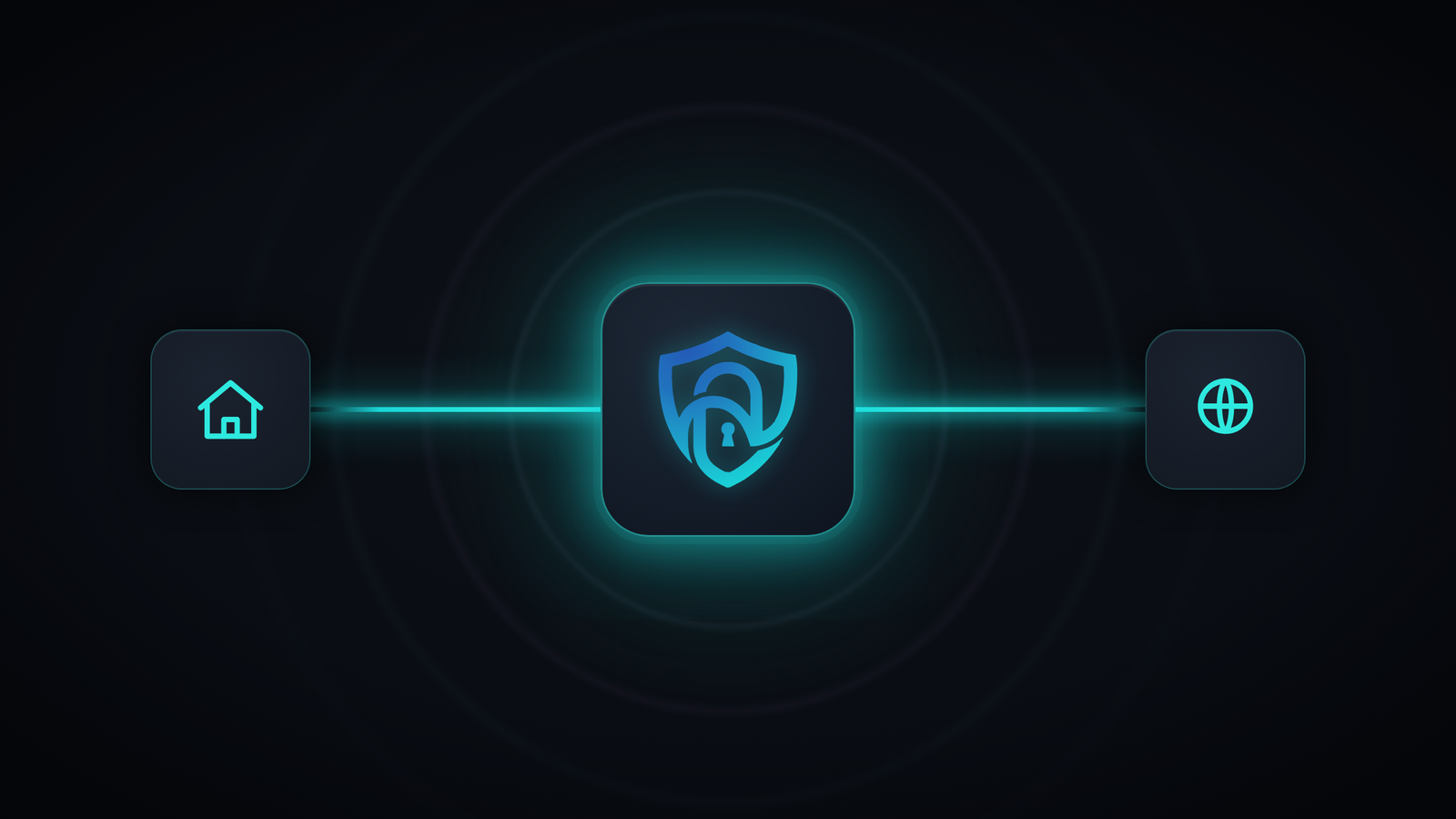
Instead of paying inflated subscription fees to ISPs or wrestling with risky port forwarding on your router, you get a "Plug & Play" solution that gives you a permanent IP that's completely private and secure:
- Dedicated IP: The address is yours alone. You don't share it with any other user (unlike a regular commercial VPN), which prevents blocks and annoying CAPTCHA checks on banking and government sites.
- Maximum security with no open ports: Our technology is built on WireGuard, the fastest and most secure protocol in the world. The connection goes out from your network — so your router stays completely closed to outside scans.
- Your home internet travels with you: The biggest advantage? Your static IP isn't stuck physically at home. Traveling for relocation or a vacation abroad? Connect to nuVPN from your laptop or phone, and all your traffic looks like you're browsing from the couch in your living room.
Bottom line: which solution is right for you?
If you have spare budget and you never plan to leave the house — your ISP's static IP will do the job. If you love configuring servers at night and have free time — a self-managed VPS is an interesting option.
But if you're looking for maximum security, zero technical hassle, and the ability to reach your home network from anywhere in the world with a stable, permanent IP — join nuVPN today and start browsing with peace of mind.